New Fashion Effect CapCut Template: How to Use It to Create Viral Fashion Edits
Scroll through TikTok or Instagram Reels right now and you’ll see it sharp outfit transitions, beat-synced cuts, slow-motion walk-ins, and dramatic glow effects. Chances are high those videos were made using the New Fashion Effect CapCut Template.
This template isn’t just another preset. It’s a plug-and-play shortcut to creating polished, influencer-style fashion edits in minutes even if you’ve never edited a video before.
Let’s explain in details what makes it so powerful and how to use it the right way.
What Is the New Fashion Effect CapCut Template?
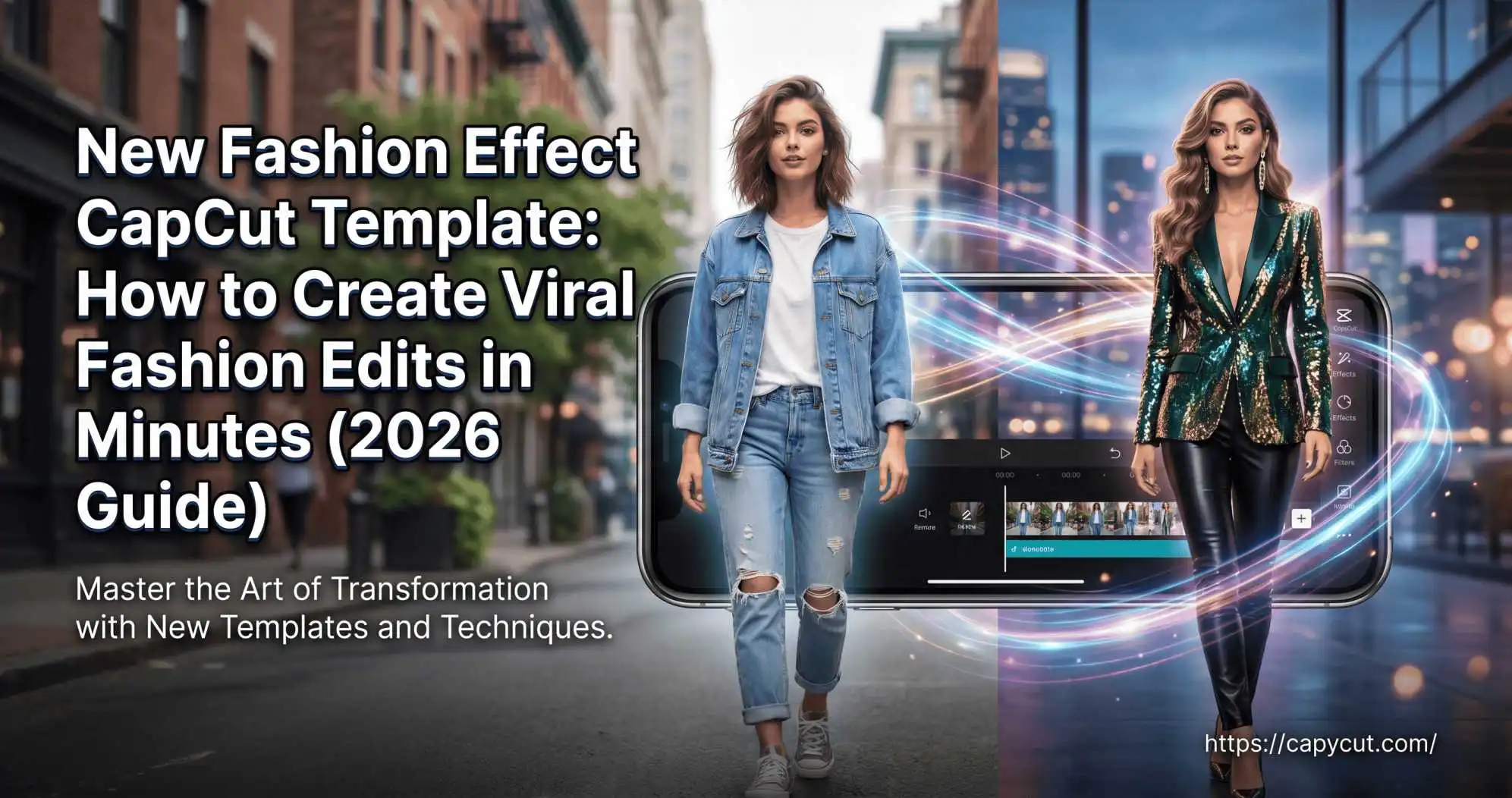
The New Fashion Effect CapCut Template is a pre-designed video editing layout inside the CapCut app that applies automated transitions, filters, beat sync, and visual effects to your clips.
Instead of manually adjusting keyframes, motion blur, or velocity curves, the template does the heavy lifting.
Also Read: AI Figure Trend CapCut Template: USA Creator’s Complete Guide
Why It’s Trending in 2026
Short-form video is dominating social media. According to HubSpot’s 2025 Video Marketing Report, short-form videos generate the highest ROI among content formats. Fashion creators are capitalizing on this by using dynamic edits that instantly grab attention.
This template works because:
- It syncs cuts to music automatically
- It adds cinematic lighting effects
- It includes smooth outfit-change transitions
- It applies color grading optimized for fashion content
In short, it creates scroll-stopping content.
Also check about: Small Ratio CapCut Template
Who Should Use It?
- Fashion influencers
- Clothing brands
- Boutique owners
- Lifestyle creators
- Anyone posting outfit-of-the-day (OOTD) videos
If you post style content, this template can elevate your production quality instantly.
Key Features of the New Fashion Effect CapCut Template
Beat-Sync Transitions
The template automatically detects music beats and places transitions precisely on drops. This technique follows professional editing principles used in music videos.
When visuals hit on beat, engagement increases. It feels satisfying. Intentional.
Slow-Motion & Velocity Effects
One standout element is the smooth slow-motion walk-in effect. CapCut uses velocity editing curves to create a cinematic ramp-up and slow-down motion.
This technique is commonly used in high-end fashion commercials — now accessible in one tap.
Built-In Filters & Aesthetic Presets
Most templates include:
- Warm glow filters
- High-contrast fashion grading
- Soft blur overlays
- Flash or light leak effects
These presets save time and maintain visual consistency.
How to Use the New Fashion Effect CapCut Template (Step-by-Step)
If you’re new to CapCut, here’s exactly how to use it.
Step 1: Open CapCut and Search the Template
- Launch the CapCut app
- Tap “Templates”
- Search: New Fashion Effect CapCut Template
- Preview options
Choose the one that matches your vibe — edgy, minimal, luxury, or streetwear.
Step 2: Upload Your Clips
Most templates require 3–6 short clips.
For best results you must try:
- Shoot in vertical 9:16 format
- Use natural lighting
- Keep movements smooth and intentional
Pro tip: Record more footage than needed. You’ll want options.
Step 3: Adjust and Export
After uploading you can it:
- Replace clips if timing feels off
- Adjust text overlays (if included)
- Preview twice before exporting
Export in 1080p for TikTok or Reels.It usually takes under five minutes.
How to Make Your Fashion Edit Go Viral
Using the template isn’t enough. Strategy matters.
Choose Trending Audio
Even if the template includes music, check if that audio is currently trending on TikTok. Videos using trending sounds get priority in algorithm discovery.
Focus on Strong First 3 Seconds
Hook viewers immediately:
- Start with a dramatic pose
- Use a bold outfit reveal
- Add text like “Wait for the drop…”
Retention drives reach.
Post at Peak Times
Based on social analytics data, fashion content performs best:
- Evenings (6 PM–9 PM)
- Weekends
- During seasonal fashion changes
Consistency beats randomness.
Is the New Fashion Effect CapCut Template Free?
Most versions are free inside CapCut. However:
- Some premium effects require CapCut Pro
- Advanced filters may be locked
- Export without watermark may require login
CapCut, owned by ByteDance (the company behind TikTok), frequently updates template availability. So popular ones sometimes rotate out.
Common Mistakes to Avoid
Overloading With Too Many Effects
Less is more. If the template already includes transitions,you don’t add extra filters on top. It can look cluttered.
Poor Lighting in Original Footage
Templates enhance quality but they don’t fix bad lighting. Shoot in natural light or use a ring light.
Ignoring Brand Consistency
If you’re a brand or influencer, stick to a color palette. Viral is good. Recognizable is better.
Conclusion:
The New Fashion Effect CapCut Template isn’t just another trend it’s a smart shortcut to creating high-impact, scroll-stopping fashion content without advanced editing skills. With built-in beat sync, cinematic transitions, and ready-made aesthetic filters, it gives everyday creators the kind of polish that used to require professional software.
If you’re serious about growing on TikTok, Instagram Reels, or YouTube Shorts, start experimenting with this template today. Shoot clean footage, align with trending audio, stay consistent, and track what performs best. In short it is better editing equals better retention and better retention equals more reach.